
Bootable USB Windows XP, Vista and Windows 7 Maker
 10:39 AM
 By
RipGamezZ
By
RipGamezZ


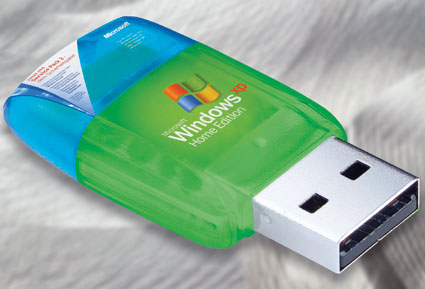
A Software which helps to create bootable USB of Windows XP,Vista and WIndows 7 in just few easy steps
Introducing the tool for Installing Windows For Your Netbooks, Notebooks, or desktop from USB Flash Drive.
Instruction.( for Option 1 ONLY other Instruction Inside)
!!!!Set Up Intallation!!!
Note:
*If Required To format with HP Formatter use USB formatter and Donot Bypass the Instruction.
Note: When Formatting Choose NTFS ( this is the Most Important!
1.Install WinSetupFromUSB_0-2-3
2.Follow the Instruction
3.Browse the Source XP cd
4.Click GO. ( note: when making bootable USB! dONT Press or check anything just GO only )
5.Wait until System Process Finished.
*******Before Installation******
!!!!After Finished!!!!
1. Exit the USB.
2. Safety ReMoved!
******Final Installation for Setup*****
!!!Installation to your Netbook/Laptop/Desktop!!!
1. Insert to your Laptop or NetBook USB HUB!
2. In the BOOT SCREEN! bott from CD/DVD?USB. drive
3. Press Enter
***** the Screen will boot Dont Press anything let the program Run for Installation!!!
4. You will see that the System Prompt installing The PART - 1
Let System Continue and Donot Press Any KEY. until its. Finished!!
Enjoy.....
Download: 9.06MB
http://rapidshare.com/files/340217240/Bootable_USB_Windows_XP__Vista_and_Windows_7_Maker.rar

Written by Admin
ChromeGT is a modern, powerful and professional Blogger template made for your Portfolio, Business or almost any other kind of website.


In it something is. Now all became clear, many thanks for an explanation.
ReplyDeleteI am sorry, that I interfere, there is an offer to go on other way.
ReplyDeleteI not absolutely understand, what you mean?
ReplyDeleteI join told all above. Let's discuss this question.
ReplyDelete